Software updates and patching
Why that annoying update button is one of the best security tools you own, what zero-days and end-of-life mean, and how to make updates automatic everywhere.
What an update really fixes
Software contains mistakes. Some of those mistakes, called vulnerabilities, let an attacker run code, read data or crash a system. When a vendor learns about one, it releases a patch. From that moment the clock is ticking: criminals study patches to find the flaw and attack people who have not updated yet.
Public vulnerabilities get an identifier called a CVE (for example CVE-2021-44228, the Log4Shell flaw). The US agency CISA keeps a list of Known Exploited Vulnerabilities, flaws confirmed to be used in real attacks, and federal agencies must patch them by set deadlines. It is a useful signal for everyone else too.
Zero-days vs n-days
- A zero-day is a flaw attackers exploit before a patch exists. They are expensive and usually used against high-value targets.
- An n-day is a flaw that already has a patch. Most real-world attacks on ordinary people and small businesses use n-days, which means updating promptly stops them.
Make it automatic
| Device | Where to turn on automatic updates |
|---|---|
| Windows 11 | Settings > Windows Update; also enable "Receive updates for other Microsoft products" |
| macOS | System Settings > General > Software Update > Automatic updates (turn on security responses) |
| iPhone / iPad | Settings > General > Software Update > Automatic Updates |
| Android | Settings > System > Software update (varies by maker); Google Play system updates |
| Browsers | Chrome, Edge, Firefox and Safari update automatically; restart the browser when asked |
| Apps | App Store / Google Play automatic app updates |
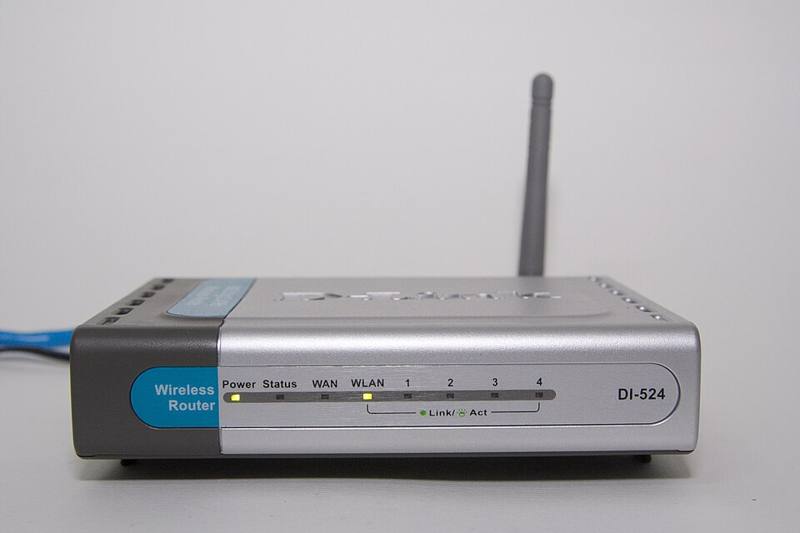
| Router | Router app or admin page, see home Wi-Fi |
Browsers deserve special attention because they process untrusted content all day. When Chrome or Edge shows "Relaunch to update", do it the same day.
End of life: when updates stop
Every product eventually stops receiving security updates. After that date new vulnerabilities are never fixed.
- Windows 10 reached end of support on October 14, 2025. Microsoft offered paid Extended Security Updates and a consumer option to extend updates for a year. If your PC can run Windows 11, upgrade; if not, plan a replacement.
- Phones receive updates for a set number of years. Recent iPhones and flagship Android phones from Google and Samsung promise many years of updates; budget Android models often get far fewer. Check before you buy.
- Routers, cameras and smart gadgets often get the shortest support. Replace them when updates stop.
The update routine
- Turn on automatic updates on every device (table above).
- Restart computers at least once a week; many updates finish only after a restart.
- Once a month, open the update page on each device to confirm nothing is stuck.
- Remove apps and browser extensions you no longer use: less software means fewer flaws.
- Note the end-of-support date of your devices and plan replacements.
"Updates slow down my device or break things." Occasionally an update causes a problem, but that risk is tiny compared with running known, exploited flaws. If you are worried, wait a few days for feature updates, but install security updates promptly.