Cybersecurity, explained like a genius friend would
Plain-English guides to the threats that actually hit people and small businesses, the habits that stop them, and the famous incidents that taught the world how security works. No jargon walls, no fear-selling, just what to do next.
Threats explained
How the attacks that hit real people actually work, and the tell-tale signs that give each one away.
 ThreatData breachesWhat happens when a company leaks your data, what criminals do with it, and a calm step-by-step plan for the day you get a breach notification letter.ThreatDeepfakes and AI-powered scamsCloned voices, fake video calls and flawless AI-written phishing. What AI changes about scams, what it does not, and the verification habits that still beat it.ThreatIdentity theftWhen someone uses your personal details to open accounts, file taxes or get care in your name. The warning signs and the official recovery steps that work.
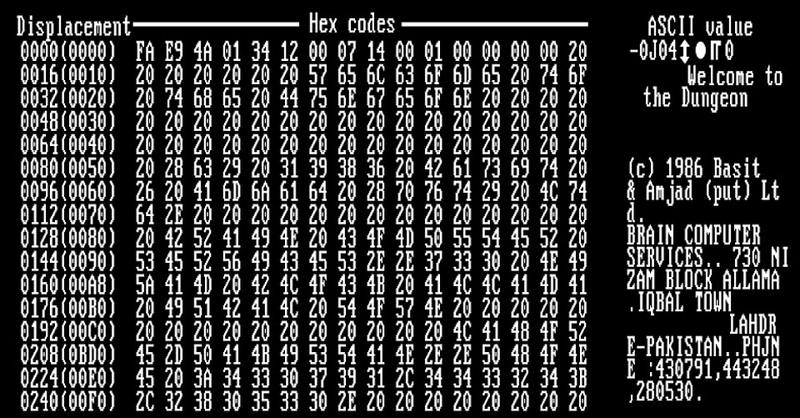 ThreatMalware types explainedViruses, worms, trojans, spyware, infostealers, adware, rootkits and botnets. What each one does, how it spreads and the warning signs on your own devices.ThreatOnline scams field guideFake shops, romance and investment scams, tech-support pop-ups, marketplace tricks and overpayment schemes. How each one works and the single question that exposes it.
Protect yourself
Step-by-step guides to the settings and habits that stop most attacks, for your accounts, devices, home network and family.
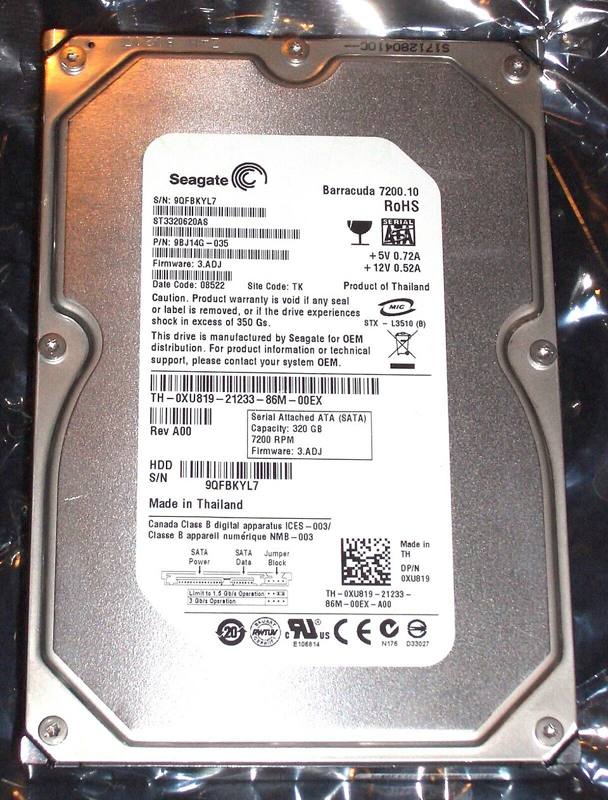 How-toBackups and the 3-2-1 ruleThe safety net against ransomware, theft, broken phones and accidental deletion. How the 3-2-1 rule works, what to back up, and how to test that restore actually works.How-toEmail securityYour inbox is the master key to every other account. How to lock it down, recognize spoofed senders, use aliases, and what SPF, DKIM and DMARC actually mean.How-toHow to freeze your creditA credit freeze is free in the US, takes about 15 minutes, and is the strongest single defense against new accounts being opened in your name. Here is exactly how it works.How-toKids and family online safetyAge-by-age guidance for parents: parental controls on phones and consoles, talking about scams and sextortion, gaming safety, and a family tech agreement you can adapt.How-toPasswords and password managersWhat makes a password strong in 2026, why length beats complexity, and how to set up a password manager in an afternoon so you never reuse a password again.
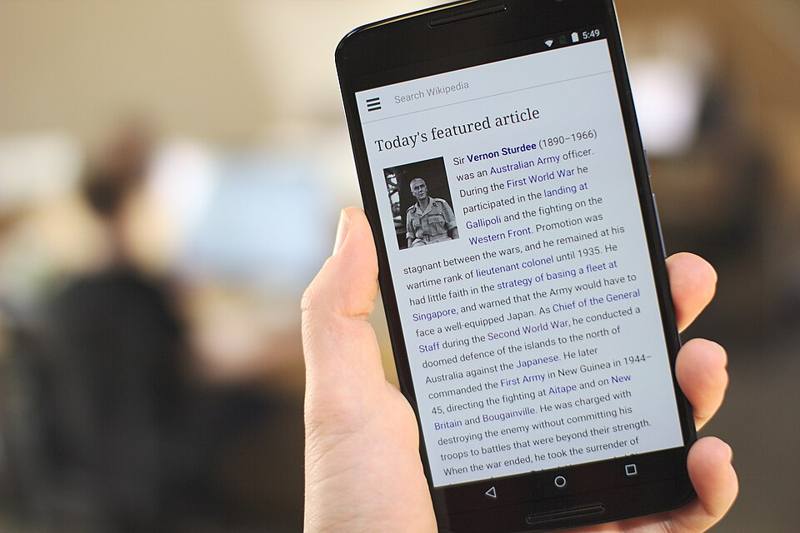 How-toPhone security for iPhone and AndroidYour phone holds your email, bank, photos and 2FA codes. The settings that matter on iPhone and Android, plus what to do before a phone is lost or stolen.
Small business security
Practical security for teams of 1 to 100 people, the controls that stop most attacks, without an IT department or a big budget.
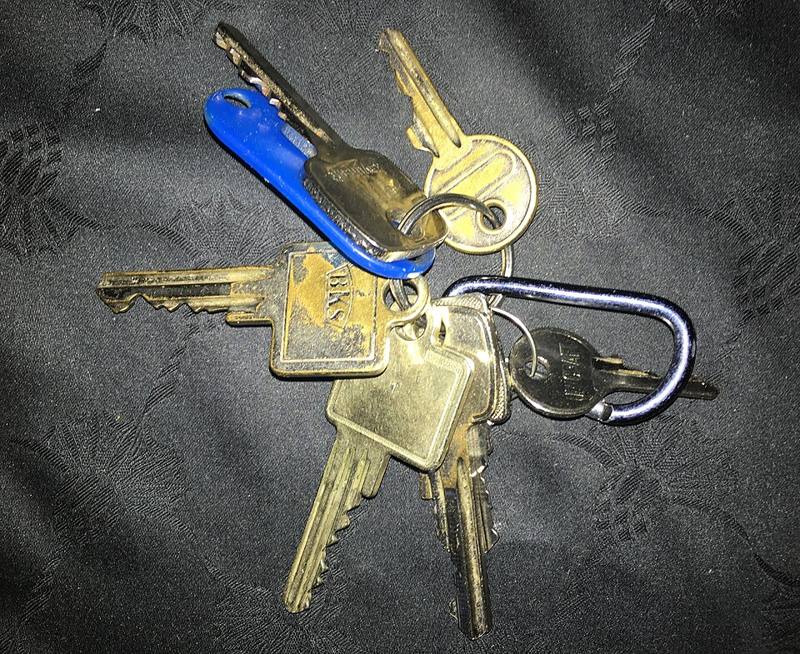 BusinessAccess control and offboardingGive every person only the access they need, review it regularly, and remove it the same day someone leaves.
 BusinessAn incident response plan for small teamsA one-page plan covering who to call, how to contain a problem, how to recover and what to tell customers, written before you need it.
 BusinessBackups and ransomware readiness for small businessesThe 3-2-1 rule, immutable and offline copies, and how to prove you can actually recover before you ever need to.
 BusinessEmployee phishing training that actually worksHow to train a small team to spot and report phishing without shaming anyone, plus a simple monthly routine.
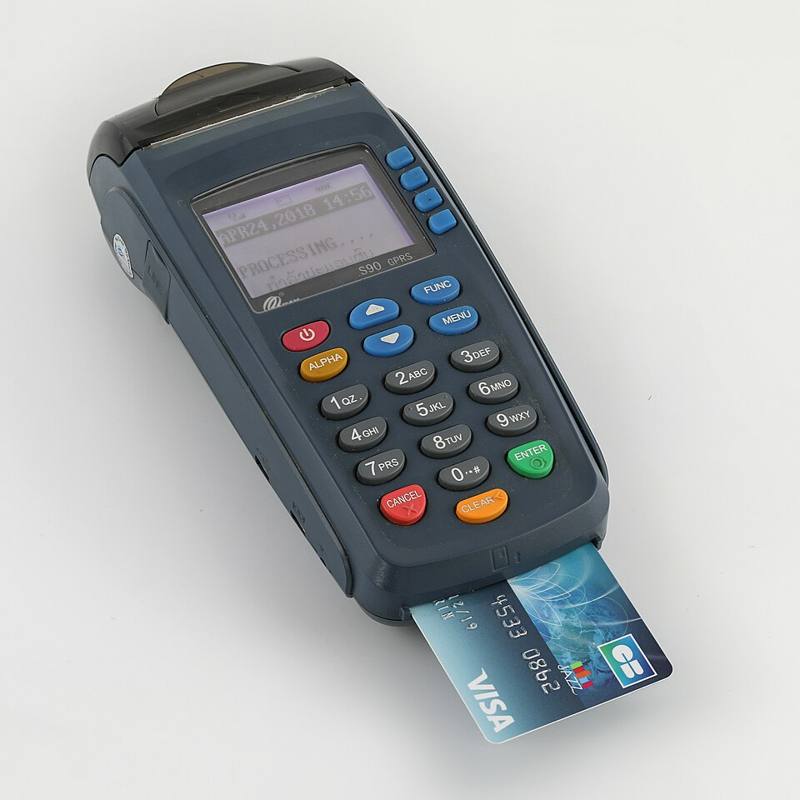 BusinessPayment card security and PCI DSS in plain termsWhat PCI DSS is, why it applies to almost every business that takes cards, and how to shrink your obligations by never touching card data.
 BusinessSecure remote and hybrid workHow to keep laptops, home networks, video calls and cloud files safe when your team works from home, cafes and the road.
Famous incidents explained
The landmark security events of the last four decades, what actually happened, and the lessons defenders still use today.
 IncidentHeartbleed (2014)A tiny bug in the OpenSSL encryption library let anyone read chunks of server memory, exposing passwords and private keys across the web.IncidentLog4Shell (2021)A flaw in a tiny, free logging library turned out to be hiding inside millions of apps and devices. Why Log4Shell was called one of the most serious vulnerabilities in a decade, and what it taught the software world.
 IncidentThe Colonial Pipeline ransomware attack (2021)A ransomware attack on business IT systems led a major fuel pipeline operator to halt operations for several days as a precaution.IncidentThe CrowdStrike outage (2024)Not a hack at all. A faulty security software update crashed about 8.5 million Windows computers on July 19, 2024, grounding flights and disrupting hospitals. What went wrong and why resilience is part of security.
 IncidentThe Equifax breach (2017)An unpatched web application flaw exposed Social Security numbers and other personal data of about 147 million people.IncidentThe ILOVEYOU worm (2000)A love-letter email that tricked millions of people into running a script, and showed how social engineering beats technical defenses.
Free security tools
Honest guides to the free and low-cost tools that actually make a difference, from breach checkers and built-in antivirus to password managers, authenticator apps and link scanners.
Careers in cybersecurity
How to break into cybersecurity, what the main roles actually do, which certifications matter, where to learn for free, and the legal lines every learner must respect.
Reference
An A-Z security glossary in plain English and a tickable security checkup you can work through at your own pace.
Watch on YouTube
Famous hacks, security history and one useful habit a day, in under a minute.
Merch for people who read the logs
Tees and hoodies printed to order in the USA. Every order keeps these guides free.