Learn / Small business security
Access control and offboarding
Give every person only the access they need, review it regularly, and remove it the same day someone leaves.
Why access control matters
Every account is a door. The more people who hold keys to the payroll system, the website admin panel or the shared drive, the more doors an attacker can try. Access problems also cause quieter harm: a former contractor who can still read client folders, or an intern who accidentally deletes a shared drive because they had full rights.
Good access control rests on three ideas: least privilege (only the access needed for the job), separation of duties (no single person can both create and approve a payment), and regular review (access granted for a project gets removed when the project ends).
Build a simple access map
For a small business, a spreadsheet is enough. List each system down the side and each person across the top:
| System | Owner | Admins | Standard users | MFA enforced |
|---|---|---|---|---|
| Email and file platform | Office manager | 2 named people | All staff | Yes |
| Accounting software | Owner | Owner, bookkeeper | None | Yes |
| Website and domain | Owner | Owner, web agency | None | Yes |
| Bank portal | Owner | Owner | Bookkeeper (view only) | Yes |
Keep the number of admins per system small, ideally two so that one person being unavailable does not lock you out. Admin work should use a separate admin account, not the account that reads email all day.
Single sign-on where possible
If you use Microsoft 365 or Google Workspace, many other apps can sign in with those accounts (single sign-on, or SSO). SSO means one strong login with MFA protects many apps, and disabling one account removes access to all of them at once. Where an app cannot use SSO, store its credentials in a shared vault in your password manager so you can rotate them when someone leaves.
Onboarding the right way
- Create accounts from a checklist so nothing is forgotten.
- Turn on MFA before the first day, or require setup at first login.
- Grant access by role ("bookkeeper", "designer") rather than copying another person's permissions, which tends to spread excess access.
- Record what was granted in the access map.
The offboarding checklist
Most offboarding failures are simply forgetting. Use the same list every time, and do it on the person's last day (or immediately for a hostile departure):
- Disable the main email or SSO account. Do not delete it yet; you may need the mailbox and files.
- Sign the account out of all sessions and revoke app passwords and tokens.
- Remove them from shared password vaults, then change any shared passwords they knew.
- Remove access to accounting, banking, payroll, website, domain registrar, social media and any vendor portals.
- Collect or remotely wipe company laptops and phones; remove company data from personal devices.
- Transfer ownership of their files, shared drives and calendars.
- Forward or delegate their mailbox to a manager for a set period, with an auto-reply.
- Update the access map and note the date.
Social media and domain accounts are often registered to one person's personal email. Move them to a company-owned address while everyone is on good terms.
Quarterly access reviews
Every three months, spend 30 minutes with the access map. Remove accounts nobody recognizes, downgrade people who no longer need admin rights, check that MFA is enforced for everyone, and review third-party apps connected to your email platform. Pay special attention to contractors and agencies, covered further in vendor and supply-chain risk.
Physical access counts too
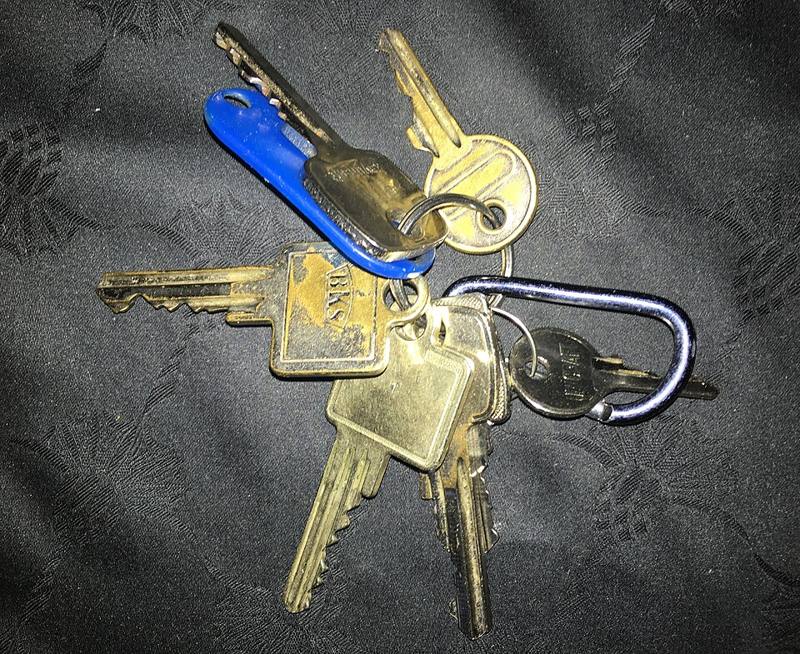
Keys, alarm codes and door badges belong on the same checklist. Change alarm codes when staff leave, keep a log of who holds physical keys, and lock server cupboards and network equipment. A person with physical access to a router or an unlocked laptop can bypass many software controls.