Learn / Small business security
An incident response plan for small teams
A one-page plan covering who to call, how to contain a problem, how to recover and what to tell customers, written before you need it.
Why write a plan now
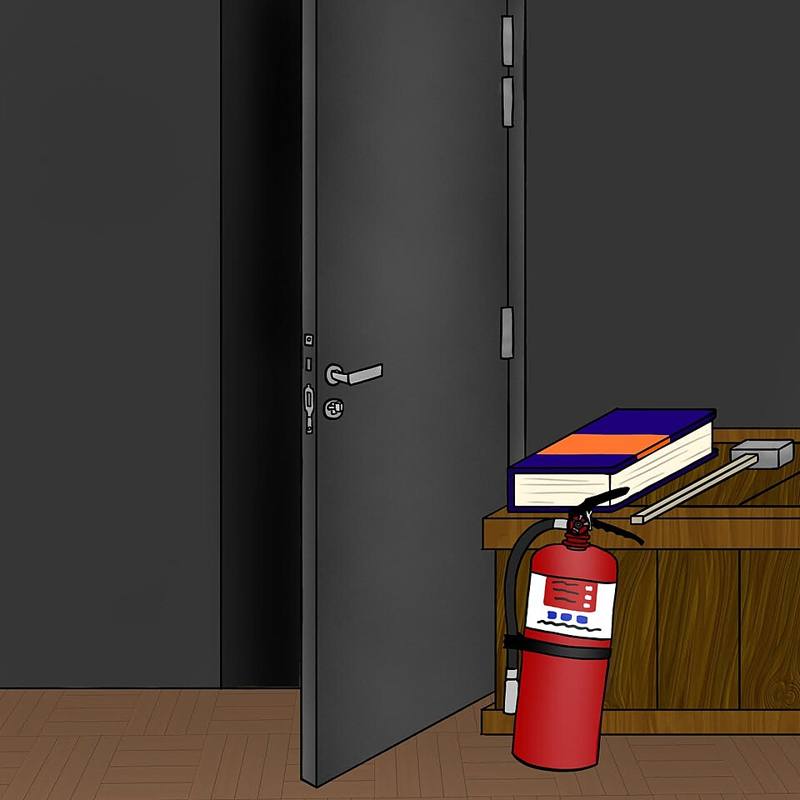
In the first hour of a security incident, people panic, guess and sometimes make things worse: wiping a machine that held the evidence, paying a fake invoice twice, or emailing the attacker who is already reading the mailbox. A written plan, even one page long, replaces guessing with a checklist. It is the security equivalent of knowing where the fire extinguisher is.
Large organizations follow frameworks such as NIST's incident handling guidance, which breaks response into preparation, detection and analysis, containment, eradication and recovery, and lessons learned. A small business can use the same shape in a much simpler form.
Part 1: contacts
Put these at the top of the page, with phone numbers that work if email is down:
| Role | Who | Phone |
|---|---|---|
| Incident lead (makes decisions) | Owner or manager | |
| IT provider or technical helper | ||
| Cyber insurer hotline and policy number | ||
| Bank fraud line | ||
| Lawyer | ||
| Law enforcement (US: FBI IC3 online, local field office) |
Many cyber insurance policies require you to call their hotline before hiring your own responders, so check your policy now.
Part 2: the first hour
- Stay calm and write things down. Note times, what was seen and what was done.
- Contain, do not destroy. Disconnect affected computers from the network (unplug the cable, turn off Wi-Fi) but leave them powered on if possible, because memory can hold useful evidence.
- Secure accounts. From a clean device, reset passwords for affected accounts, sign out all sessions and check MFA settings and mailbox forwarding rules.
- Stop the money. If a fraudulent payment was sent, call your bank immediately. Speed matters for recalling transfers.
- Call for help using the contact list above.
Part 3: common scenarios
- Ransomware: isolate machines, do not reconnect backup drives until you know the infection is contained, and follow your backup and recovery plan.
- Business email compromise: check for forwarding rules and unknown sign-ins, warn customers and suppliers who may receive fake invoices from your address, and reset the account.
- Lost or stolen laptop: trigger remote wipe and note whether the disk was encrypted.
- Website defaced or hacked: take it offline or restore from backup, then change hosting and admin passwords.
- Outage that is not an attack: a bad update or supplier failure can look like an attack. The CrowdStrike outage is a good example of why recovery steps matter whatever the cause.
Part 4: recovery and notification
Restore systems from known-good backups, patch the hole that let the attacker in, and watch closely for a few weeks in case they try again. If personal data was exposed you may have legal duties to notify customers or regulators, often within fixed deadlines that vary by state and country. That is where your lawyer and insurer earn their fees.
Breach notification rules differ by location and industry. This guide is general education, not legal advice.
Part 5: learn and practice
After any incident, hold a short, blame-free review: what happened, what helped, what slowed us down, and what one or two changes we will make. Then once a year run a tabletop exercise: sit around a table for an hour and walk through a scenario ("the bookkeeper's mailbox is sending fake invoices") using the plan. You will find missing phone numbers and unclear decisions in a calm meeting rather than during a real crisis.
Print the plan and keep a copy offline. If ransomware encrypts the file server, a plan stored only on the file server will not help.