Smart home and IoT security
Cameras, doorbells, speakers, TVs and plugs are small computers on your network. How to choose, set up and maintain them so they do not become the weak link.
Why smart devices are a target
Every smart plug, camera, robot vacuum or connected TV is a small computer running software that can have security flaws. Many are cheap, rarely updated and set up once and forgotten. In 2016 the Mirai botnet infected hundreds of thousands of cameras and video recorders that still used factory-default passwords, and used them to knock major websites offline. Default passwords and missing updates are still the main problems today.
The risks for a household:
- Privacy: cameras, baby monitors and microphones could be accessed by strangers.
- A foothold: a compromised device can be used to attack other devices on your network.
- Botnets: your device may be recruited to send spam or attack others, slowing your internet.
Before you buy
| Check | Why |
|---|---|
| Support period for security updates | A device without updates gets less safe every year |
| Known brand with a security contact or bug bounty | Signals the company fixes problems |
| Works without a cloud account, or offers local control | Less data leaves your home |
| Supports two-factor authentication on the app account | Protects cameras and locks from account takeover |
| Matter or Thread support | Modern standards with built-in encryption and local control |
| US Cyber Trust Mark label | A government-backed label introduced in 2025 for devices meeting baseline security criteria |
Be cautious with no-name devices sold at very low prices with an unfamiliar companion app; some have been found to send data to unknown servers or never receive updates.
Secure setup in seven steps
- Change any default password immediately, and use a unique one stored in your password manager. Since 2024, UK law bans universal default passwords on new connectable products, but older and imported devices may still have them.
- Secure the app account with a strong password and two-factor authentication.
- Put smart devices on a separate network: your router's guest network or an IoT network. See home Wi-Fi and router.
- Turn on automatic firmware updates in the device app.
- Turn off features you do not use, such as remote access, microphones, or "share with neighbors" features on doorbells.
- Review privacy settings: recording history, voice clip retention, and whether recordings are used to improve products.
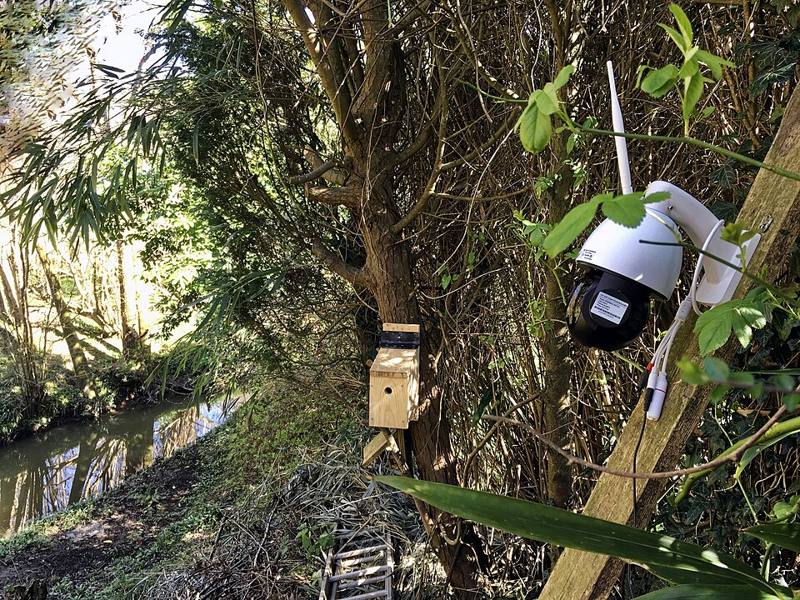
- Place cameras thoughtfully: point them at entrances, not into private rooms, and respect neighbors' privacy.
For indoor cameras, choose a model with a physical privacy shutter or a schedule that turns recording off when you are home.
Smart TVs and speakers
Smart TVs often collect viewing data through a feature called automatic content recognition (ACR). You can usually turn it off in the TV's privacy settings, which may be labeled "viewing information", "Live Plus" or "Smart Interactivity" depending on the brand. Voice assistants let you review and delete recordings and mute the microphone with a physical button.
Maintenance and retirement
- Twice a year, check your router's device list for anything unknown, and open each device's app to confirm updates are installed.
- When a device reaches end of support, replace it, or at least keep it isolated on the guest network.
- Before selling or recycling, factory reset the device and remove it from your account, so the next owner cannot see your data and you cannot see theirs.
Signs of trouble
Unexpected camera movement or lights, unknown users in the app, settings that change on their own, or a sudden spike in network traffic. Reset the device, change the account password, enable 2FA and update the firmware. If it keeps happening, stop using that device.